
NBN guide
How to switch NBN providers: a step-by-step checklist
A practical checklist for changing NBN providers while checking notice periods, modem compatibility, phone services, timing, fees, and setup.
Published · Updated · 8 min read
Written and reviewed by the Compare24 editorial team.
Quick answer
To switch NBN providers, compare the new plan and ongoing price, check your current contract and notice terms, confirm address serviceability and modem compatibility, then order with the new provider. Coordinate cancellation carefully, especially if you rely on a bundled phone number, email account, medical alarm, or other connected service.
Key takeaways
- Check exit fees, notice periods, equipment returns, and lost bundle benefits first.
- Confirm your address, speed tier, modem, and home-phone requirements with the new provider.
- Do not cancel too early if continuity or number retention matters.
- Test the new service and update connected devices before closing the old account.
What should I check before changing NBN providers?
Review your current contract, notice period, exit charges, modem repayment or return terms, bundled services, provider email access, and any phone number you need to keep.
Download recent bills and record your account details before starting. If your internet supports a medical alarm, security system, lift phone, EFTPOS terminal, or other important service, contact the equipment supplier about compatibility and continuity.
Compare the new provider's ongoing price as well as any introductory offer. Check typical evening speed, upload profile, setup fees, modem cost, and support arrangements.
Do I need a new modem when I switch?
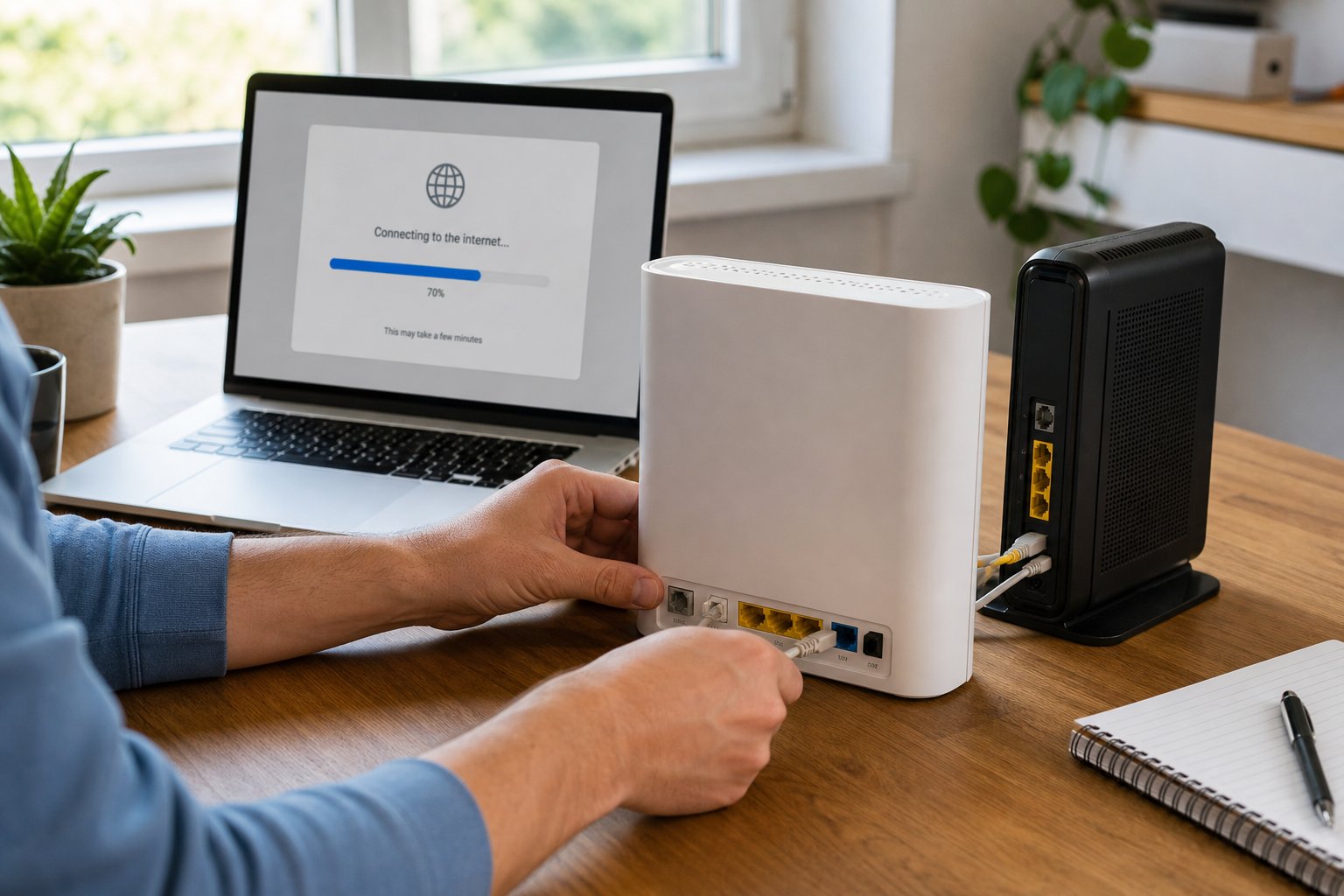
You may be able to reuse an unlocked, compatible router, but connection settings, voice services, mesh equipment, and provider support differ, so confirm the exact model before ordering.
Some provider-supplied devices remain locked, must be returned, or have repayments due. A technically compatible device may also need new login or VLAN settings.
Keep the old equipment and cables labelled until the new connection is working reliably.
How do I reduce the chance of an internet outage?
Ask the new provider how activation and transfer work at your address, avoid cancelling prematurely, keep a mobile backup available, and schedule the change when a short interruption is manageable.
Transfer timing depends on the technology, providers, and whether physical work is required. Same-day activation is not guaranteed.
If retaining a home phone number matters, tell the new provider before ordering and follow their porting instructions. An inactive number may be harder or impossible to transfer.
What should I do after the new NBN service starts?
Test wired and Wi-Fi performance, calls and connected equipment, update network credentials on devices, confirm the old account is closed correctly, and return any required hardware.
Run tests near the router and in the rooms you use. Keep order confirmations, cancellation references, and return tracking until the final bill is settled.
Frequently asked questions
Sources and further reading
We prioritise Australian regulators, network operators, and consumer authorities when checking general guidance.