
Mobile guide
eSIM in Australia: how it works and what to check
Learn how eSIM works in Australia, how to check compatibility, activate a service, use dual SIM, and switch without avoidable problems.
Published · Updated · 7 min read
Written and reviewed by the Compare24 editorial team.
Quick answer
An eSIM is a digital SIM built into a compatible phone, tablet, or watch. You can activate an eligible Australian mobile service without inserting a plastic card, but device support, provider availability, identity checks, transfer rules, and dual-SIM behaviour vary. Confirm all five before ordering.
Key takeaways
- Your device and chosen provider must both support eSIM.
- Activation usually uses a provider app, QR code, or device setup flow.
- Do not delete an active eSIM until you know how your provider handles transfers.
- Dual SIM can keep two services active, but call and data behaviour varies by device.
What is an eSIM and how does it work?
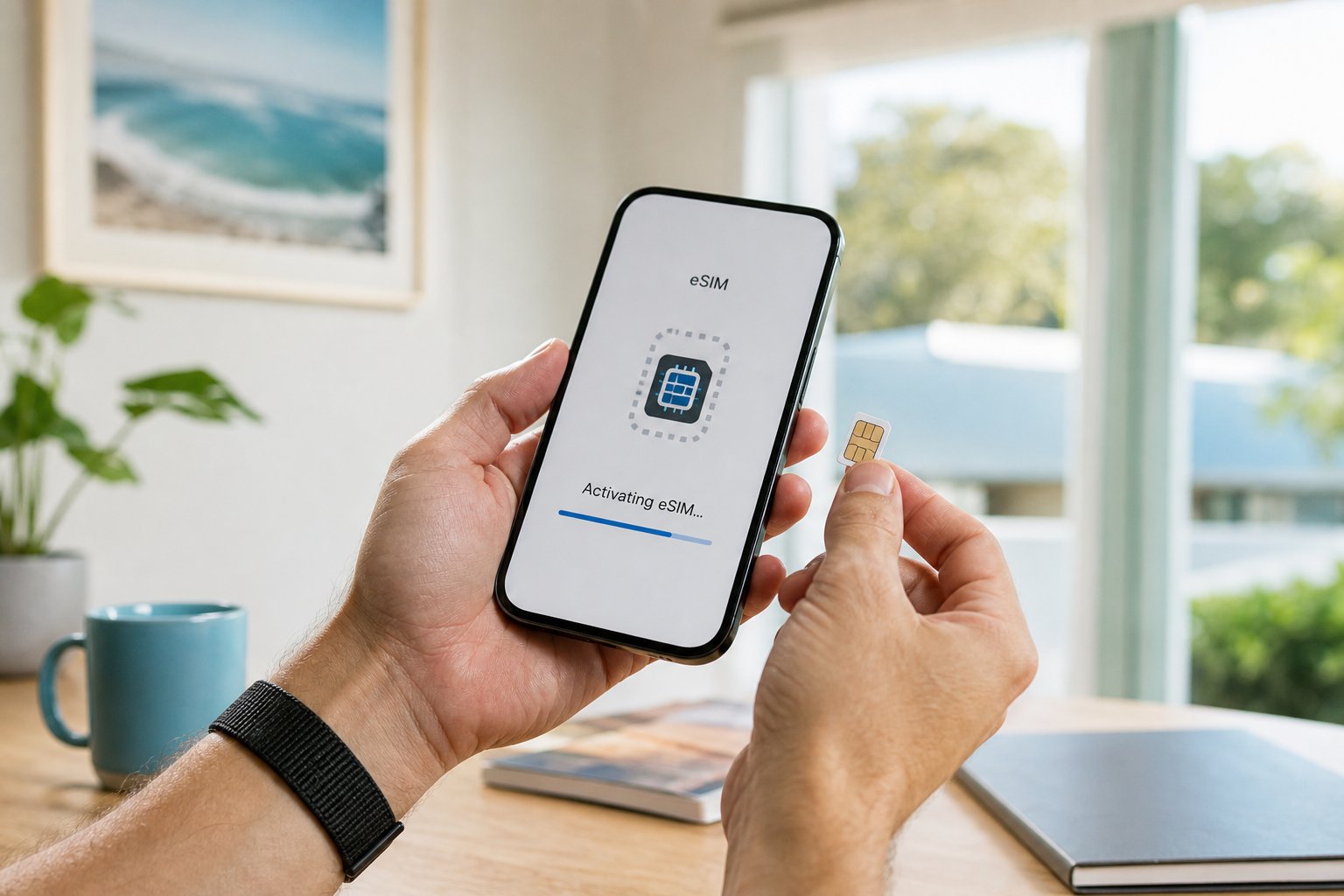
An eSIM is an embedded, rewritable SIM that stores a mobile service profile digitally, so an eligible service can be activated without inserting a removable SIM card.
The eSIM performs the same basic network-identification role as a physical SIM. The difference is how the service profile reaches your device. Your provider supplies an activation method, commonly through an app, QR code, or the device settings.
eSIM does not automatically improve coverage, speed, or price. Those still depend on the plan, network, device capabilities, location, and network conditions.
How do I check whether my phone supports eSIM?
Check the exact model number in the manufacturer specifications and your device settings, then confirm that the Australian provider supports eSIM for that device and plan.
A phone family may contain models with different eSIM support across countries. Use the exact model number rather than relying only on the product name.
Provider support can also be narrower than device support. Some providers offer eSIM only on selected plans or device types, so check both sides before buying.
- Confirm the exact device model and Australian variant.
- Check whether the phone is carrier-locked.
- Confirm eSIM availability for the specific plan.
- Ask whether a replacement or transfer requires a new activation code.
How do I activate or transfer an eSIM?
Connect to reliable Wi-Fi, follow the provider's activation instructions, keep the old service active during number transfer, and test calls, messages, and mobile data before removing anything.
Activation steps differ, but most require internet access and identity verification. If you are porting a number, the old service should normally remain active until the transfer completes.
Moving an eSIM to a new phone is not always the same as copying other phone data. Check the provider process first, because deleting a profile too early can leave you waiting for a replacement.
Is eSIM better than a physical SIM?
eSIM is convenient for fast activation, travel, and dual-SIM use, while a physical SIM can be easier to move between compatible phones without a provider-assisted transfer.
Neither format is universally better. Compare the underlying plan on price, data, network, expiry or billing terms, and support. Treat SIM format as one practical feature rather than the main reason to choose a plan.
Frequently asked questions
Sources and further reading
We prioritise Australian regulators, network operators, and consumer authorities when checking general guidance.