
Mobile guide
How to check mobile coverage before choosing a plan
A practical Australian mobile coverage checklist covering network maps, MVNO access, indoor reception, device bands, travel routes, and real-world testing.
Published · Updated · 8 min read
Written and reviewed by the Compare24 editorial team.
Quick answer
Check the provider's current coverage map for your home, workplace, commute, and regular travel destinations, then confirm which network an MVNO uses and whether access differs. Coverage maps are predictions, so also consider buildings, terrain, device compatibility, congestion, and a low-risk real-world test.
Key takeaways
- Check every place you rely on service, not just your home postcode.
- An MVNO may use a major network but offer a different coverage footprint or feature set.
- Coverage maps estimate outdoor availability and cannot guarantee indoor performance.
- A prepaid or no-lock-in test can reveal local performance before a longer commitment.
What should I check on a mobile coverage map?
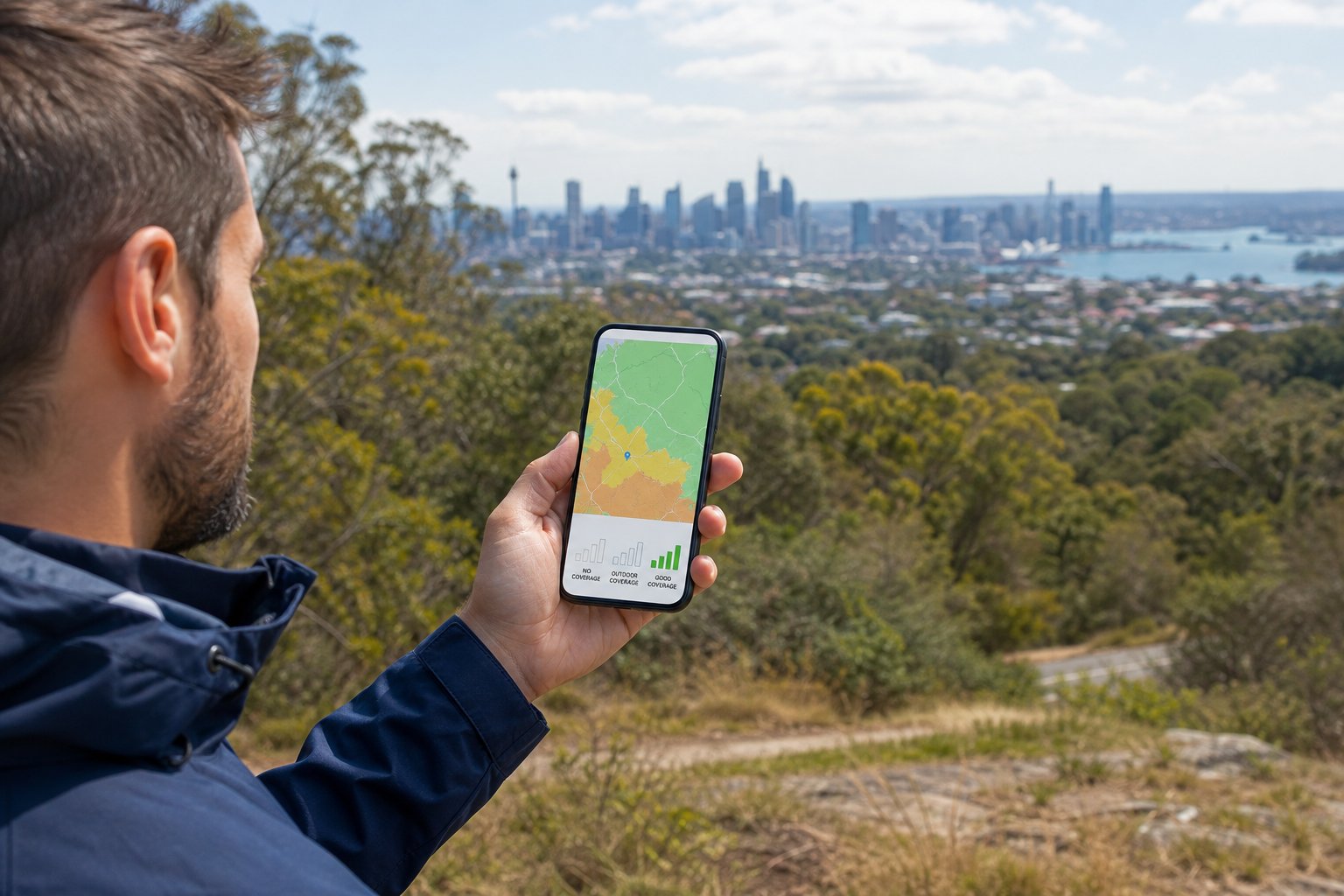
Search the exact addresses and routes where you use your phone, select the relevant 4G or 5G layer, and read the map legend and limitations rather than relying on a national population percentage.
Start with home, work, school, frequent shops, commute routes, and regional destinations. Zoom in because a broad national view can hide local gaps.
Check whether the map describes outdoor, indoor, or external-antenna coverage. Predictions can change over short distances and do not account for every wall, hill, tree, or busy period.
Do smaller mobile providers have the same coverage?
Not always. Smaller providers commonly use a major network, but the wholesale footprint, speed caps, 5G access, roaming, Wi-Fi calling, and priority features can differ by provider and plan.
Do not assume that every plan using the same host network is identical. Read the provider's own coverage map and critical information summary for the plan you are considering.
Compare24 identifies the network where catalogue data supplies it, but the provider remains the source of truth for current coverage and service features.
Why can reception differ between phones and buildings?
Phones support different radio bands and antenna designs, while walls, metal, tinted glass, terrain, distance from a site, weather, and network load can all affect the signal you experience.
A newer phone is not automatically better in every location, but Australian band support matters. Imported devices may omit frequencies used locally.
Indoor reception can be weaker than the map prediction. If available, check whether your device and provider support Wi-Fi calling for locations with reliable fixed internet.
How can I test coverage before committing?
Use a low-cost prepaid or no-lock-in service on the intended network, test at realistic times and places, and check calls, messages, downloads, uploads, and hotspot use.
A short practical test is especially useful if reception is essential for work, health, travel, or home use. Test during the times you normally need service because congestion can vary.
Frequently asked questions
Sources and further reading
We prioritise Australian regulators, network operators, and consumer authorities when checking general guidance.